Increase average order value with product bundles
The problem
Most WooCommerce stores sell one item per transaction. Customers who might have bought more never see a reason to - the product page shows a single price with no incentive to buy in quantity. The result is a flat average order value that is hard to move with ads alone.
How bundles solve it
A well-placed quantity tier or volume discount block shows the customer what they save by buying more - right on the product page, before they decide. BizBundles renders the bundle widget directly on the product detail page using the native WooCommerce cart. No page rebuild, no theme conflict. You set the discount thresholds, the plugin handles the math and the display.
Recommended layouts
3 steps to implement
- Pick a layout
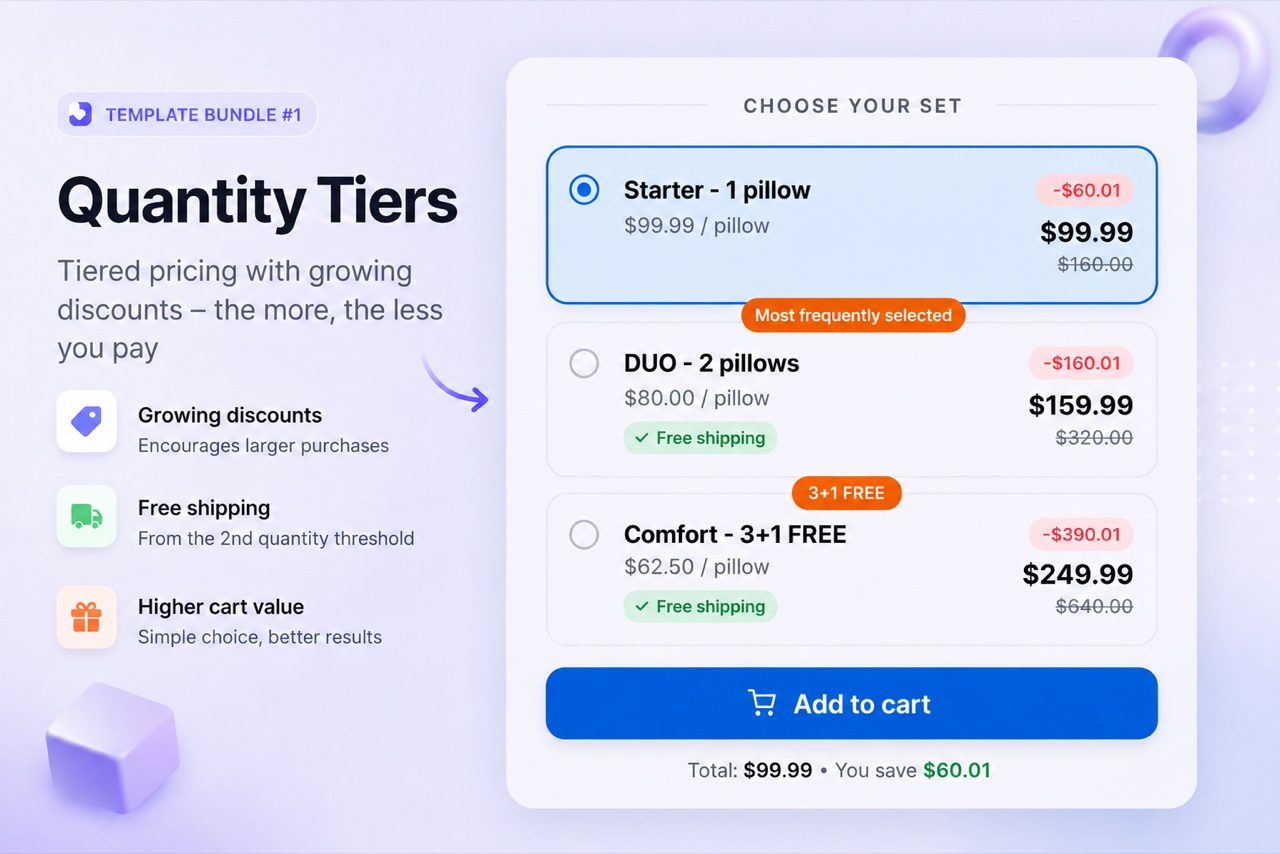
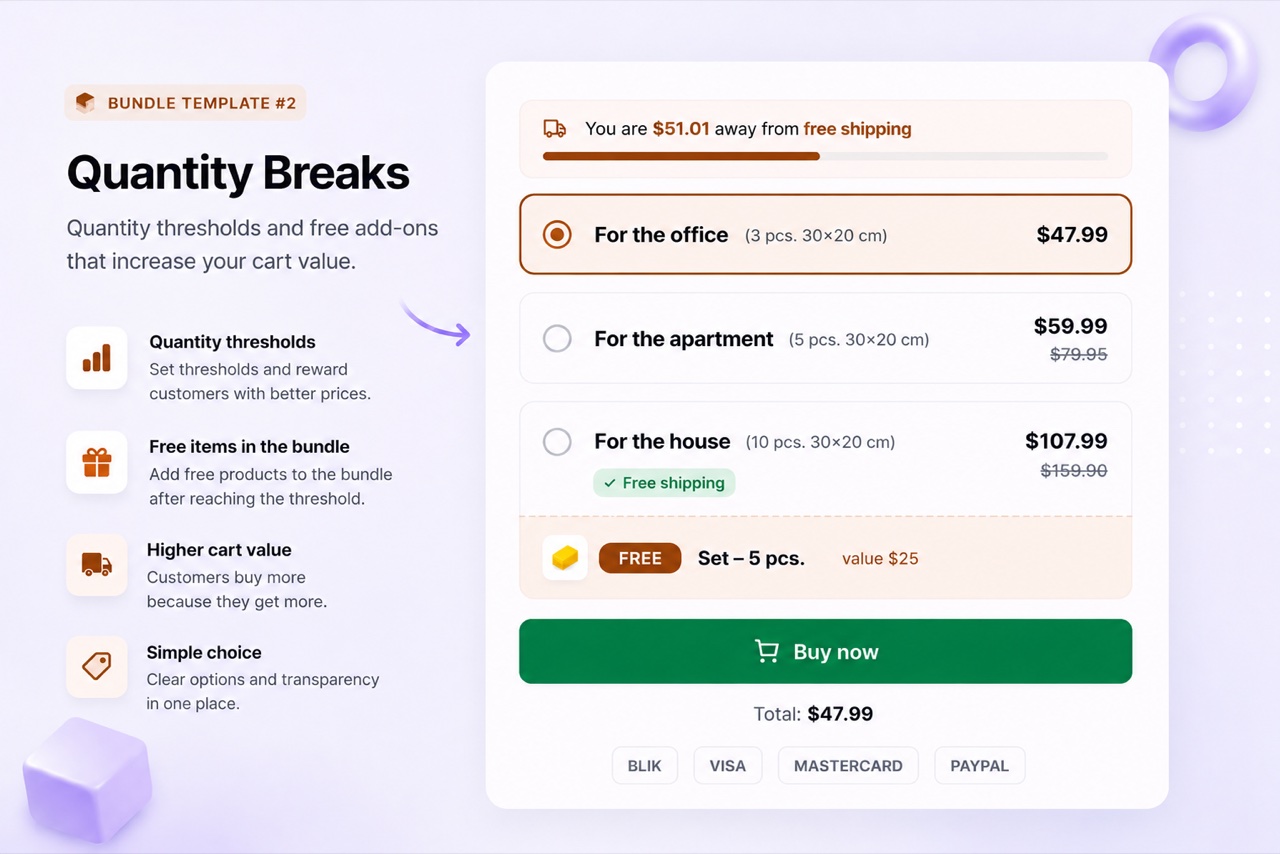
Choose Quantity Tiers (3 price steps on one card) or Quantity Breaks (a table of volume thresholds). Both are available in BizBundles Free for one bundle.
- Set your thresholds and discounts
Enter the quantity breakpoints and discount values - flat amount, percentage, or fixed price per unit. The live storefront preview shows your customer's view instantly.
- Publish and track results
Hit publish and the widget appears on the product page. Bundle views, add-to-cart events, and revenue per bundle are tracked automatically in the customer portal.
Frequently asked questions
Does a quantity tier bundle replace the default Add to Cart button?
No. The bundle widget renders as a block on the product page. The default Add to Cart button stays in place - customers who want a single unit can still use it.
Can I add a free gift when a customer hits a spend threshold?
Yes, with BizBundles Pro. The Quantity Breaks layout supports free gifts that unlock at a specific quantity threshold. You attach a real WooCommerce product as the gift and the plugin adds it to the cart at zero price.
What is the difference between Quantity Tiers and Quantity Breaks?
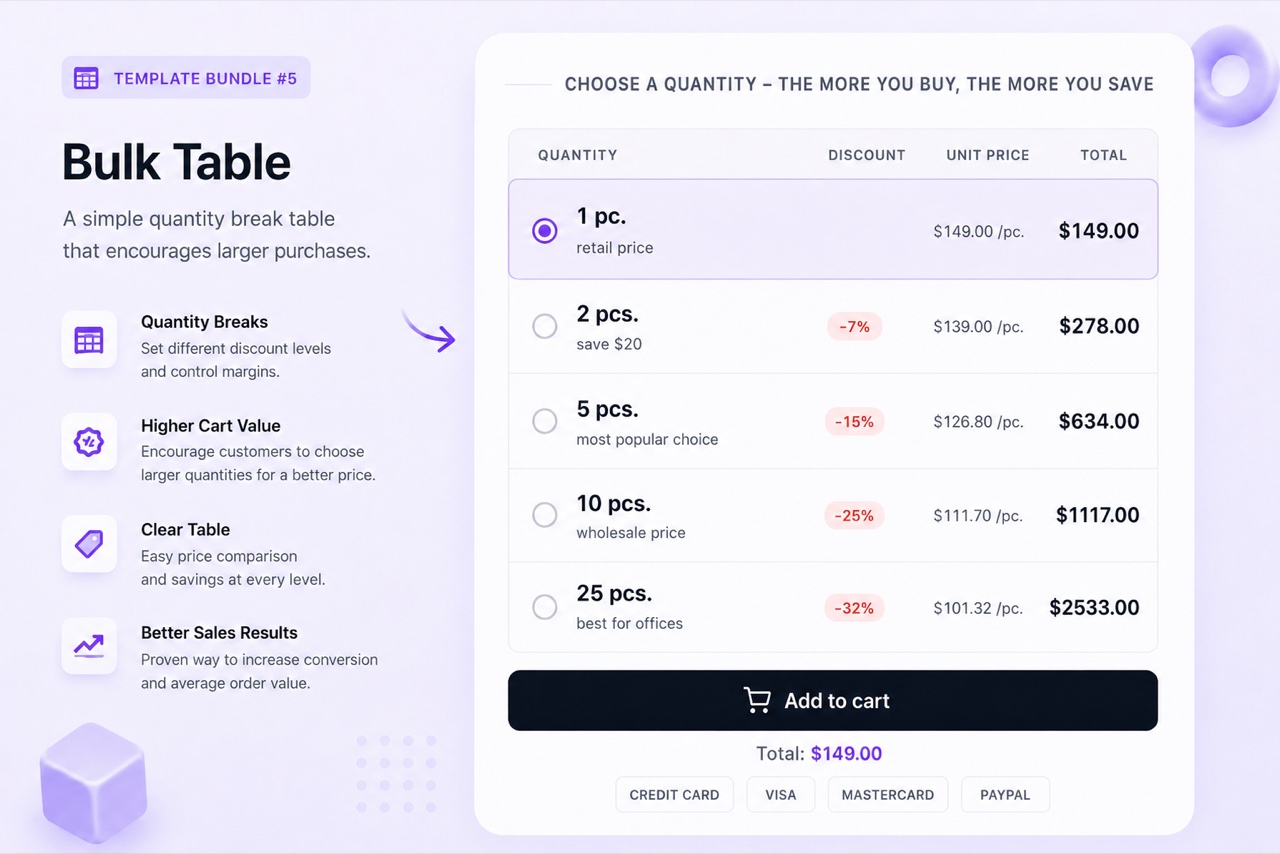
Quantity Tiers shows a card layout with 2-5 tiers side by side - good for small numbers of options with strong visual comparison. Quantity Breaks renders a compact table of volume steps - better for products where customers routinely buy in dozens or more.