Bulk Table layout for WooCommerce
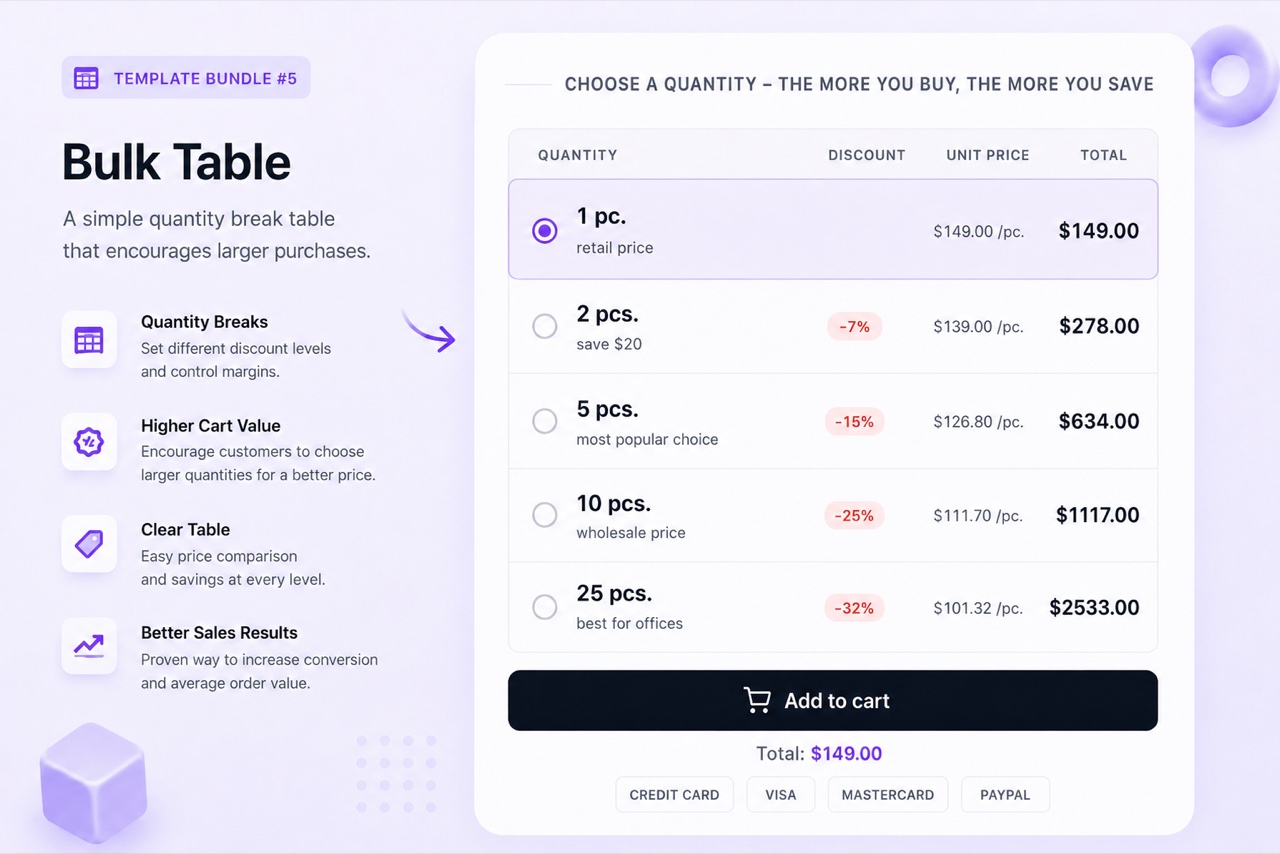
What it is
Bulk Table is a pricing table layout designed for B2B and wholesale selling. It shows quantity breakpoints, the price per unit at each level, and a quantity input field. The customer scans the table, enters their desired quantity, and the price adjusts automatically. One click sends everything to the native WooCommerce cart. It is the clearest way to display volume pricing without a custom page or a phone call.
When to use it
Use Bulk Table for products sold in wholesale quantities - raw materials, packaging, promotional items, or any product where B2B buyers routinely order more than 10 units. It is also useful for trade-only product pages where you want to make bulk ordering self-serve. For smaller quantity differences or a more visual tier comparison, Quantity Tiers may be a better fit.
How to set it up
- Create a Bulk Table bundle
In BizBundles, select the Bulk Table layout and attach it to the product. This layout renders a table, not a card stack.
- Enter your pricing tiers
Define 2-7 rows with a minimum quantity and the price per unit or discount at that tier. Add an optional row label such as "Reseller price". A live preview shows the table as customers will see it.
- Publish
Once live, buyers enter a quantity in the table, see the total update in real time, and add to cart. The order goes through WooCommerce normally.
Use cases
Frequently asked questions
What is the difference between Bulk Table and Quantity Breaks?
Both show volume pricing, but the layouts differ. Bulk Table is a static pricing reference table with a quantity input - ideal for B2B buyers who know what they want. Quantity Breaks is a tiered selector where each row is a clickable option with an optional free gift.
Does the Bulk Table support variable products?
Yes. Attach a variable product and the customer selects their variation before entering a quantity. Each variation can share the same pricing tiers.
Can I show Bulk Table prices exclusive of VAT?
The table uses WooCommerce price display settings. If you configure WooCommerce to show prices excluding VAT for B2B customers, the Bulk Table will display prices accordingly.