Bulk order table for B2B WooCommerce customers
The problem
B2B and wholesale customers often want to buy in larger quantities but the standard WooCommerce product page shows only a single quantity input and a single price. To find out the bulk price, they have to contact you directly - which costs your team time and loses impatient buyers.
How bundles solve it
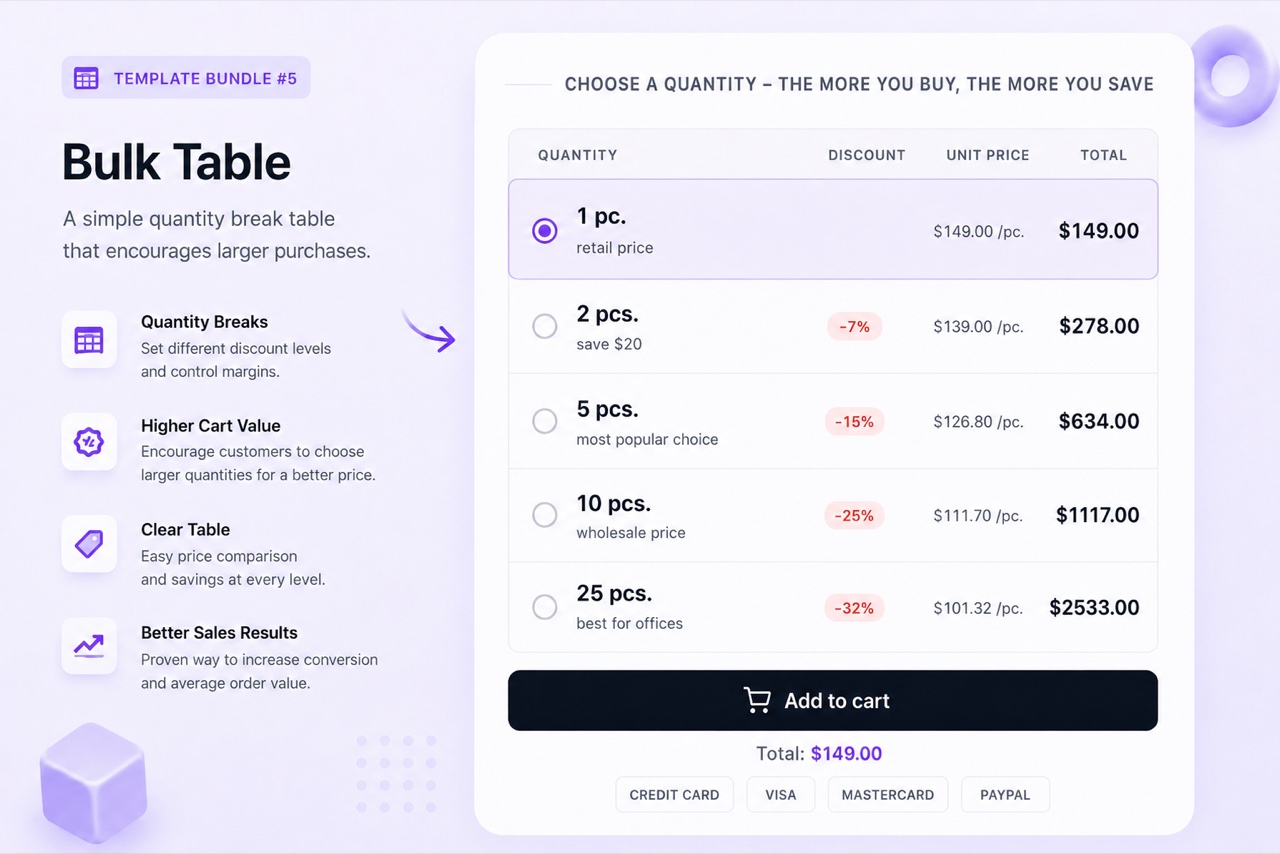
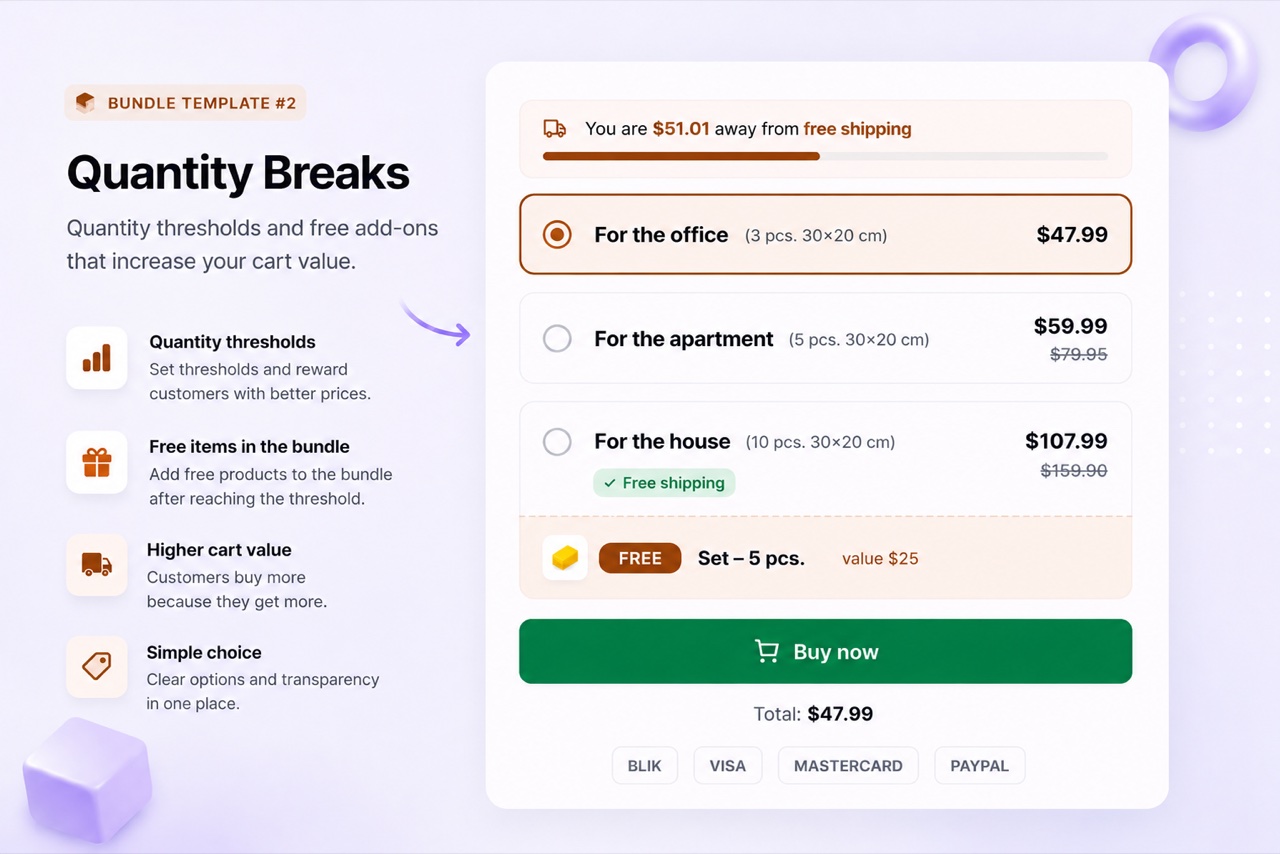
The BizBundles Bulk Table layout shows a pricing table directly on the product page. Rows show quantity breakpoints and the corresponding price per unit. The customer enters their desired quantity, sees the total, and adds to cart - all without leaving the page. The table uses the native WooCommerce cart so no custom checkout flow is needed.
Recommended layouts
3 steps to implement
- Choose the Bulk Table layout
In the BizBundles editor, select the Bulk Table layout. This renders a responsive pricing table optimized for B2B buyers who scan for the best quantity-price combination.
- Define your tier rows
Enter each quantity breakpoint and the price per unit or percentage discount at that tier. You can have 2-7 tiers. Add an optional label per tier such as "Reseller" or "Distributor".
- Publish and simplify your ordering process
Once live, B2B customers can self-serve their bulk order without phone or email. The order goes through WooCommerce as normal - same fulfillment, same invoicing.
Frequently asked questions
Does the Bulk Table work with WooCommerce variable products?
Yes. You can attach a variable product to the Bulk Table. The customer selects the variation first, then enters a quantity against the tiered pricing.
Can I restrict bulk pricing to logged-in users only?
The Bulk Table widget renders for all visitors by default. Restricting by user role requires a separate WooCommerce role-based pricing plugin alongside BizBundles.
Is there a minimum order quantity option?
You can set the minimum quantity for the lowest tier in the table. If you need strict cart-level minimums, combine the Bulk Table with WooCommerce's own min/max quantities settings.