Free gifts with purchase - drive spend thresholds in WooCommerce
The problem
Free gift promotions are a reliable way to push average order value past a threshold, but setting one up in WooCommerce typically requires a coupon, a conditional logic plugin, and a manual cart check. The experience for the customer is inconsistent and the setup is fragile.
How bundles solve it
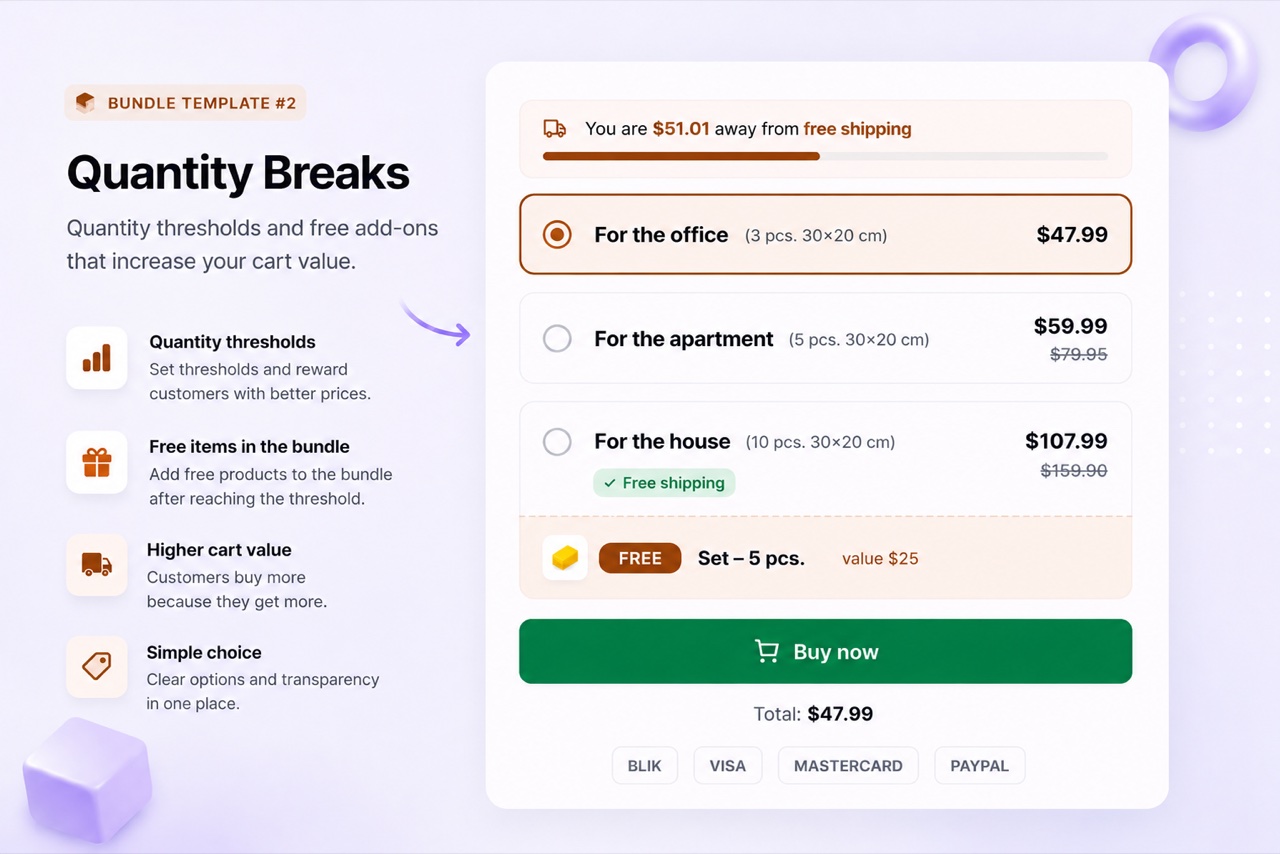
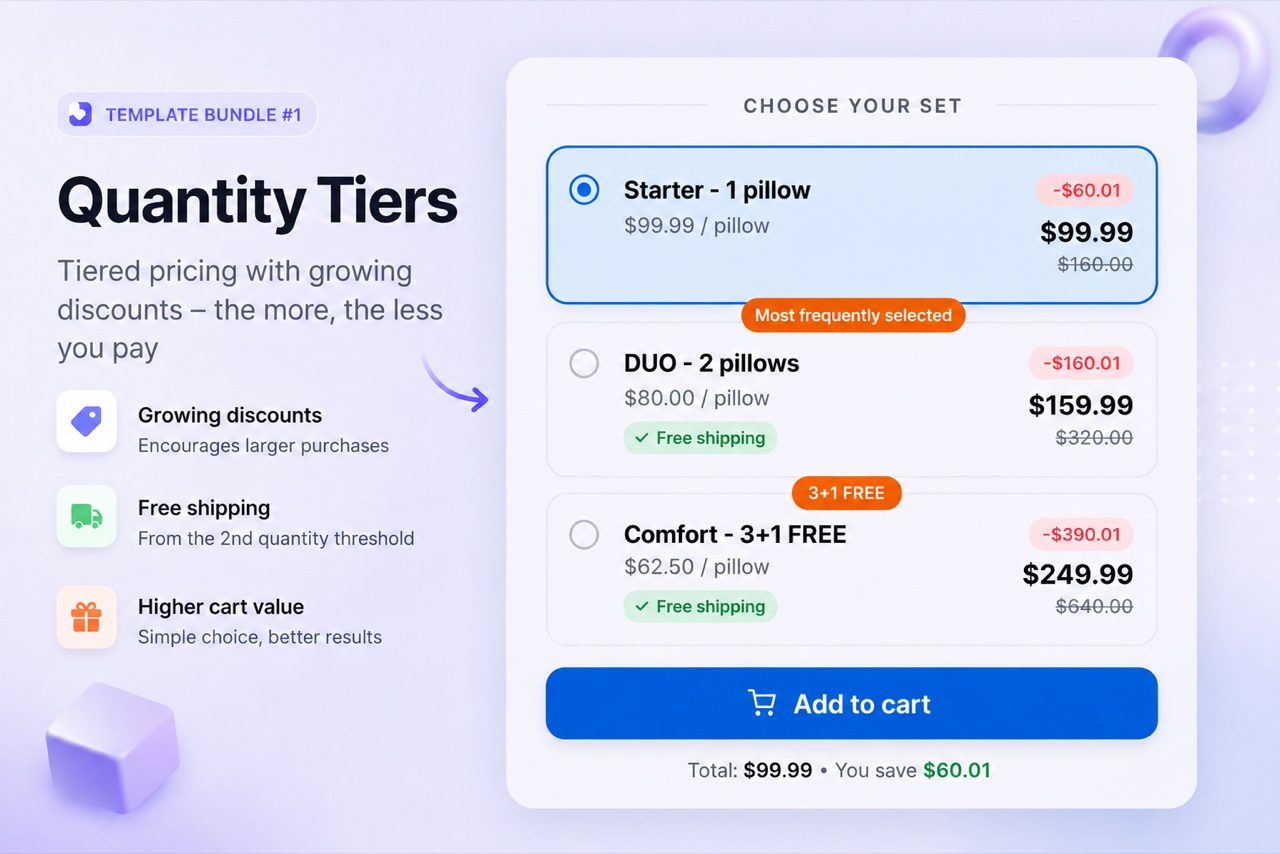
BizBundles Pro handles free gifts natively. You attach a real WooCommerce product as a gift and set the quantity or spend threshold that unlocks it. When the customer meets the condition, the gift is added to the cart at zero price automatically - no coupon code, no hidden logic. The gift appears on the order and the invoice correctly. The Quantity Breaks layout supports per-tier gifts, and the global gift setting lets you offer one gift across all tiers.
Recommended layouts
3 steps to implement
- Set up a Quantity Breaks bundle
Create a Quantity Breaks bundle and define your quantity tiers. This is the layout that supports free gifts most directly.
- Attach a gift product
In the tier configuration, set the free gift field to a real WooCommerce product. You can set one gift per tier or a global gift for the whole bundle. The gift is a genuine product - not a label or a coupon.
- Publish - the gift adds to cart automatically
When a customer selects a qualifying tier, the gift is added to their cart at zero price. It appears on the order summary, the WooCommerce order, and the invoice.
Frequently asked questions
Is the free gift added to the WooCommerce order?
Yes. The gift product is added to the WooCommerce order as a line item at zero price. It appears on the order, the cart, and the VAT invoice with the correct zero value.
Can I use any WooCommerce product as a gift?
Yes - any simple or variable WooCommerce product can be used as a gift. The product must exist in your WooCommerce catalog with a valid product ID. BizBundles validates this when you save the bundle.
Can I offer a different gift for each quantity tier?
Yes. In the Quantity Breaks layout, each tier has its own gift slot. A customer who buys 5+ units might receive Gift A, while one who buys 10+ receives Gift B.